


Coming soon
Find songs in your own library that sound alike.
Launching soon for Windows. Built for DJs and producers.
Tally runs on your PC, works offline, and your music never gets uploaded.
- Signed installer
- Works offline
- Windows 10/11
- Intel & AMD
- NVIDIA-accelerated
Why Tally exists
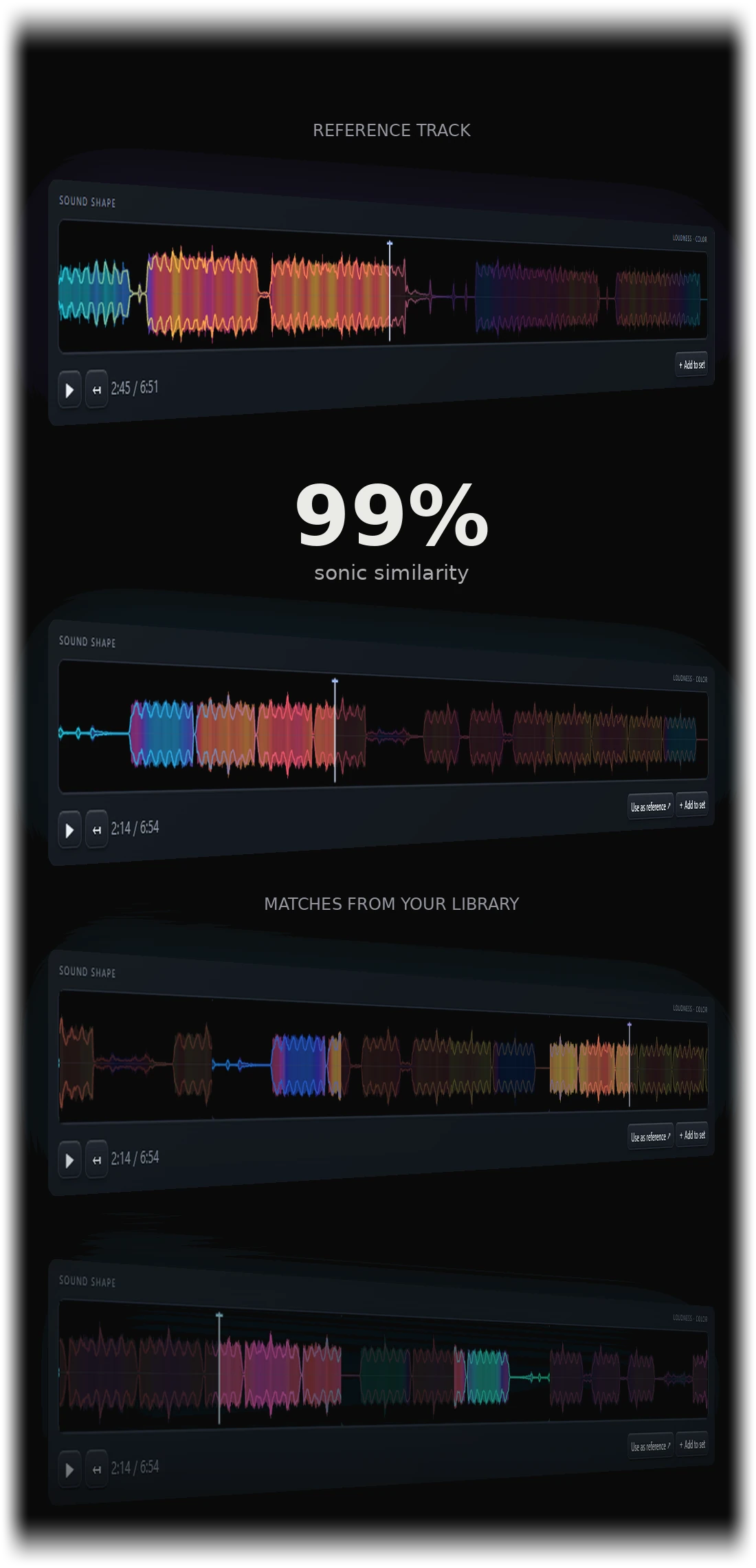
I'm a DJ, and I was never happy with the way song matching usually works. You pick a reference track and look for similar songs. The first few results sound right, but the further you go down the list, the more the songs drift away from your reference, until they barely sound like where you started.
Why the matches drift
Most matching tools drift for one of two reasons. Some build the list step by step, picking each new song because it's close to the one before it, not to your reference. Every step moves a little further away, and by the fifth or sixth result you're somewhere else entirely. Others match on labels like BPM, key, genre or tags. Two tracks can share all of those and still sound nothing alike.
Stuck in the same songs
With the usual matching tools, it's easy to lose the thread, especially when you're a newer DJ. The suggestions slowly pull you away from the idea you started with, and somewhere in the set you've drifted so far that you fall back on the tracks you already know. That's how you get stuck playing the same songs. Tally keeps you close to your original idea and shows you tracks from your own library that really fit, often ones you never thought of.
How Tally is different
Tally listens to the actual sound of every track in your library and compares each one directly to your reference. Every match is measured against the same starting point, so however many songs in your library fit, the last match is held to the same standard as the first. Your matches stay anchored to the track you chose, and it all happens offline on your own PC.
Made for techno, works for any genre
I built Tally for techno, because that's what I play and where I felt the problem the most. But Tally doesn't care about genre labels. It compares the actual sound of your tracks, so it works the same way for house, drum and bass, hip hop, pop or anything else in your library.
What Tally is (and isn't)
Tally isn't DJ software, and it doesn't play or mix your tracks. You run it next to your DJ software at the same time. Mix the way you always do with your tags, energy levels and keys, and when you get stuck, ask Tally for songs that sound like the one you're playing. You can also use Tally to build a set ahead of time. Either way, it works best together with the DJ software you already use.
How to use it
Five steps, on your PC.
01
Add your library
Point Tally at the folders where your music already lives. Nothing gets copied or moved.
02
Scan
Tally listens to each track once and remembers how it sounds.
03
Pick a reference track
Choose the song you're playing right now, or the one you want to build a set around.
04
Look through the matches
Tally lists the songs in your library that sound most like it, closest first.
05
Play them in your DJ software
Load the tracks you like and keep mixing.
Your music never gets uploaded.
Privacy
Tally runs on your PC.
Offline
It works offline.
No uploads
Your music never gets uploaded.
Your library stays yours
You add your own folders. The search stays on your machine.
About 4× faster with NVIDIA.
Tally runs on any modern Intel or AMD processor. With an NVIDIA graphics card, scanning is about 4× faster. Tally uses the graphics card automatically when one is present.
On an RTX 3080 / i7-12700K, compute measured ~0.12 s per minute of audio with NVIDIA, and ~0.52 s on the CPU.
System requirements
- System
- Windows 10 or Windows 11
- Processor
- Any modern Intel or AMD processor
- Graphics
- Not required. NVIDIA makes scanning about 4× faster, and Tally uses it automatically when present.
- Installer
- about 3.1 GB
- Disk space
- about 7.2 GB
- Connection
- Works offline